
Assessment settings allow you to specify requirements for the assignment. From the Assignment prompt page, select the gear icon in the right-hand corner. Make choices from this menu to match the requirements you want for the assignment. Below is a list of the setting options:
Details and Options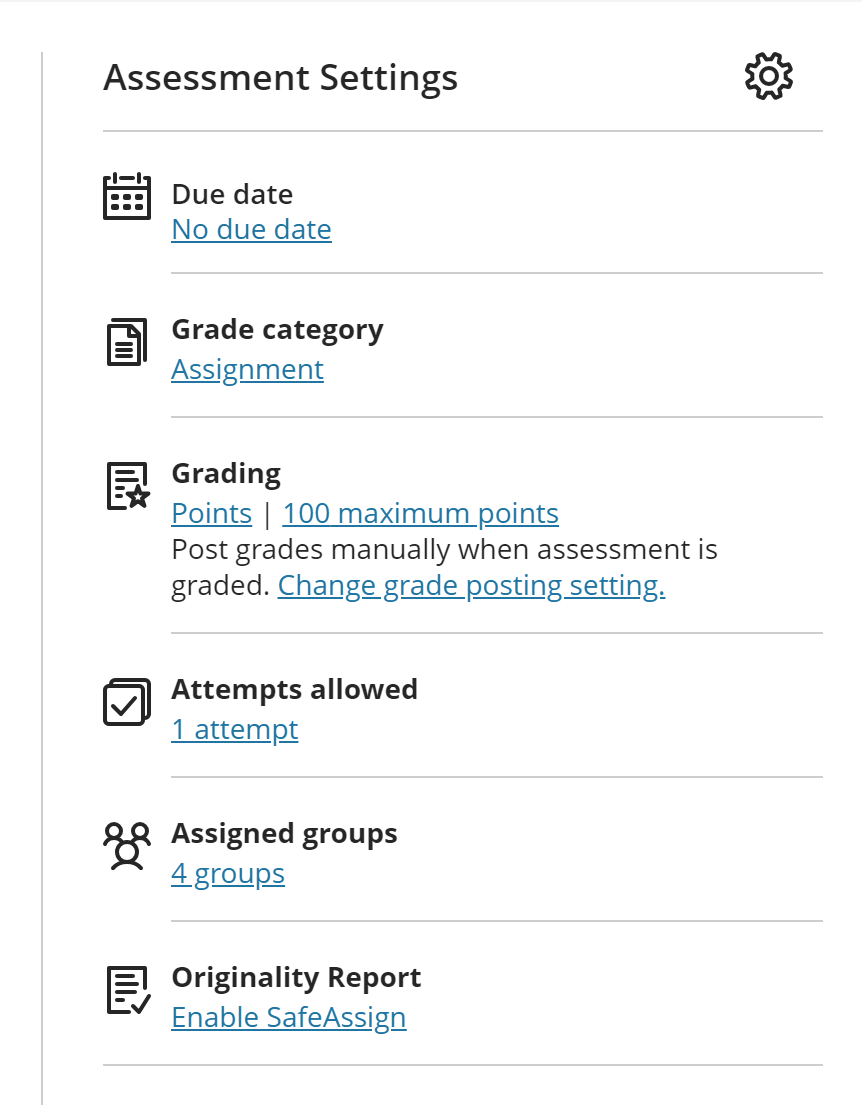
- Due Date
- Prohibit late submissions
- Prohibit new attempts after due date
- Allow class conversations
- Collect submissions offline
Formative Tools
- Formative Assessment
- Display label
Grading and Submissions
- Grade Category
- Attempts allowed
- Grade Using (points, percentages etc)
- Maximum Points
- Anonymous Points
- Evaluation Points
- Assessment Grade
Assessment Security (Optional)
- Access Code (Optional)
Additional Tools
- Time Limit
- Using Grade Rubric
- Goals and Standards
- Assigned Groups
- Originality Report (Safe Assign)
Description
Comments
0 comments
Article is closed for comments.