
Taking Attendance 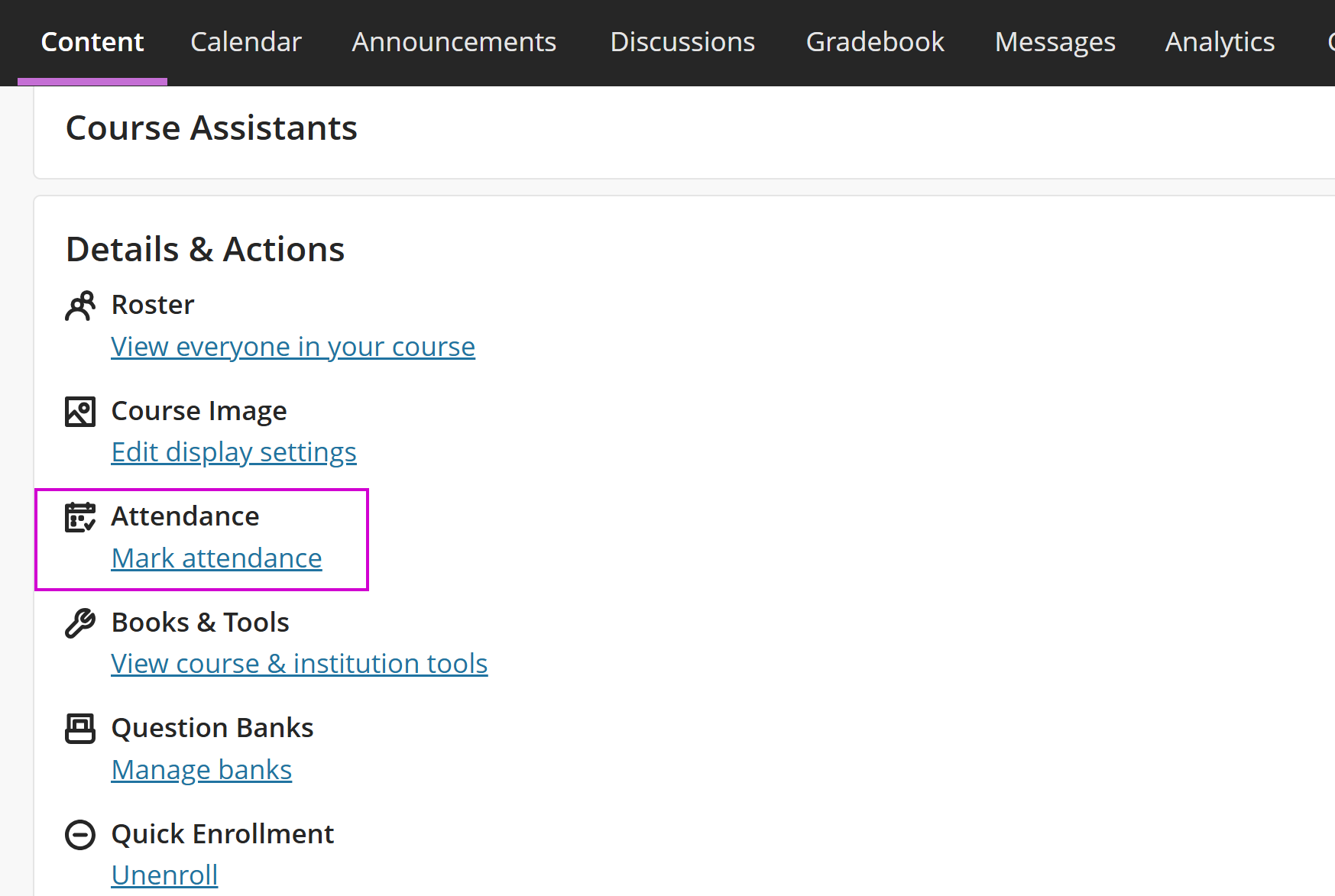
The LMS has an easy-to-use Attendance feature. Locate this tool from the Details and Actions menu.
Attendance is great way to determine if learners are engaging with the course content by attending classes or sessions regularly.
Once you select Attendance, a menu of the course roster will appear. Use this page to select whether or not learners are in attendance, excused, or absent.
Attendance Overview
Use the Attendance Overview tab to view the attendance you have entered throughout a semester. From this page, you can add missing dates and check each student's Overall Score.
Add a missing date by hovering over the separating lines on the table and selecting the plus button. From the plus button you will be able to select the date and enter attendance.
Comments
0 comments
Article is closed for comments.